Staying online in Japan: how to choose between eSIM, SIM, and pocket Wi-Fi
Maps, translation, topping up Suica, checking bookings—a Japan trip runs on data. Here's how eSIM, physical SIM, pocket Wi-Fi, and free Wi-Fi differ, and how to pick by device.
Why sort this out first
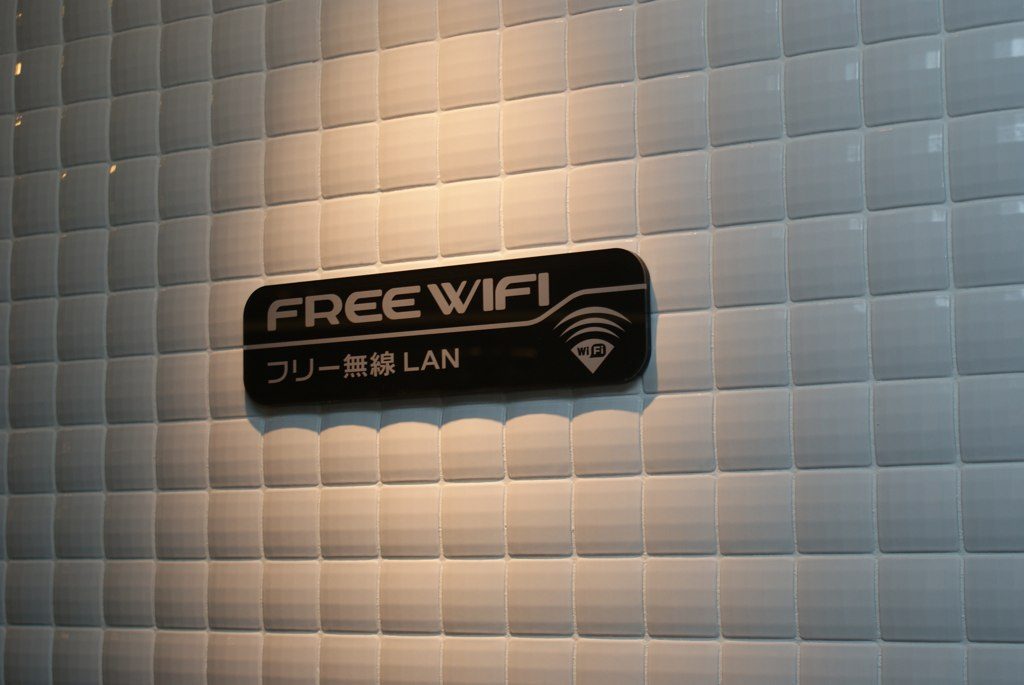
A Japan trip assumes you're online. Google Maps transit directions, translation, confirming restaurant and activity bookings, topping up Mobile Suica, ride-hailing, reaching someone in an emergency—you'll want all of it the moment you land. Airport arrival halls have free Wi-Fi, but it drops the second you board a train, so arrange your street-walking connection before you arrive. There are four options: eSIM, physical SIM, pocket Wi-Fi (a mobile router), and venue free Wi-Fi. Which one leads depends on your device, party size, trip length, and data appetite.
eSIM: the default now (if your phone supports it)
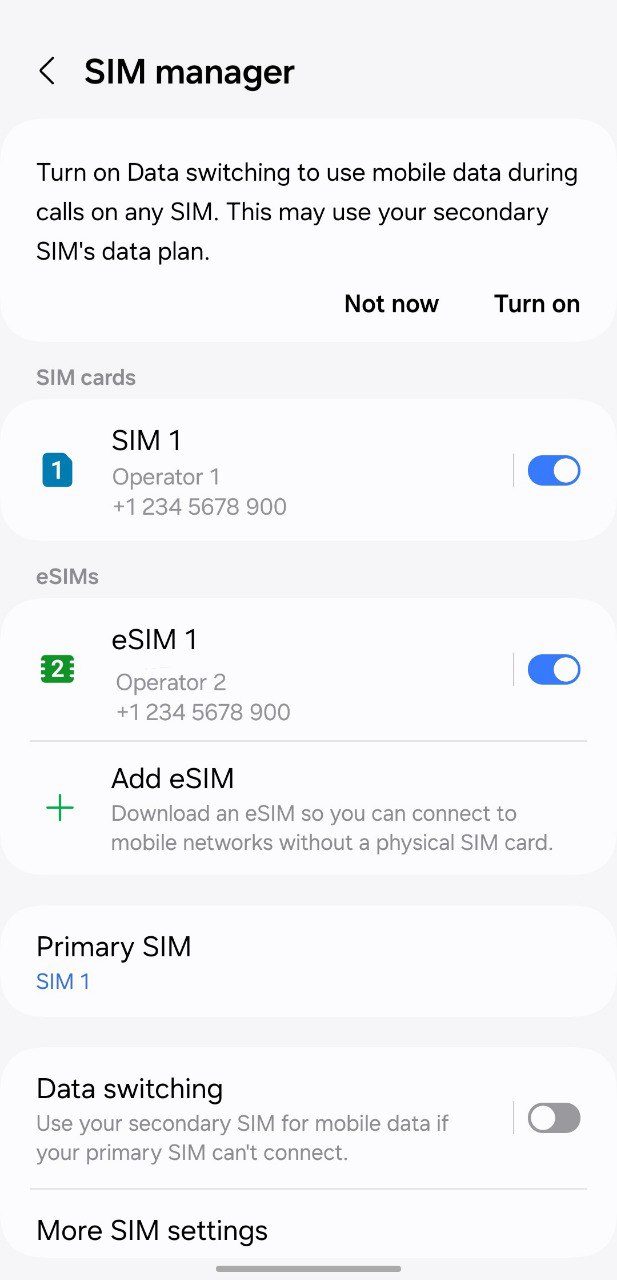
An eSIM writes a profile to the phone's built-in SIM—no card swap. Buy it from an app or site while still abroad, scan the QR, and activate the line once you land. No airport queue, no SIM pin, and you get data without holding a Japanese number. iPhone XR/XS and later support eSIM; Pixel and most recent Android flagships do too, though some regional units disable it—before you fly, check that Settings offers 'Add eSIM.' Most visitor eSIMs are data-only (no phone number), so note that if you need calls or SMS codes. Allowances range from 500MB/day to unlimited over 3–30 days; roughly 1GB/day covers maps and search, while heavy video or tethering is calmer on an unlimited plan.
Physical SIM: cheap and universal
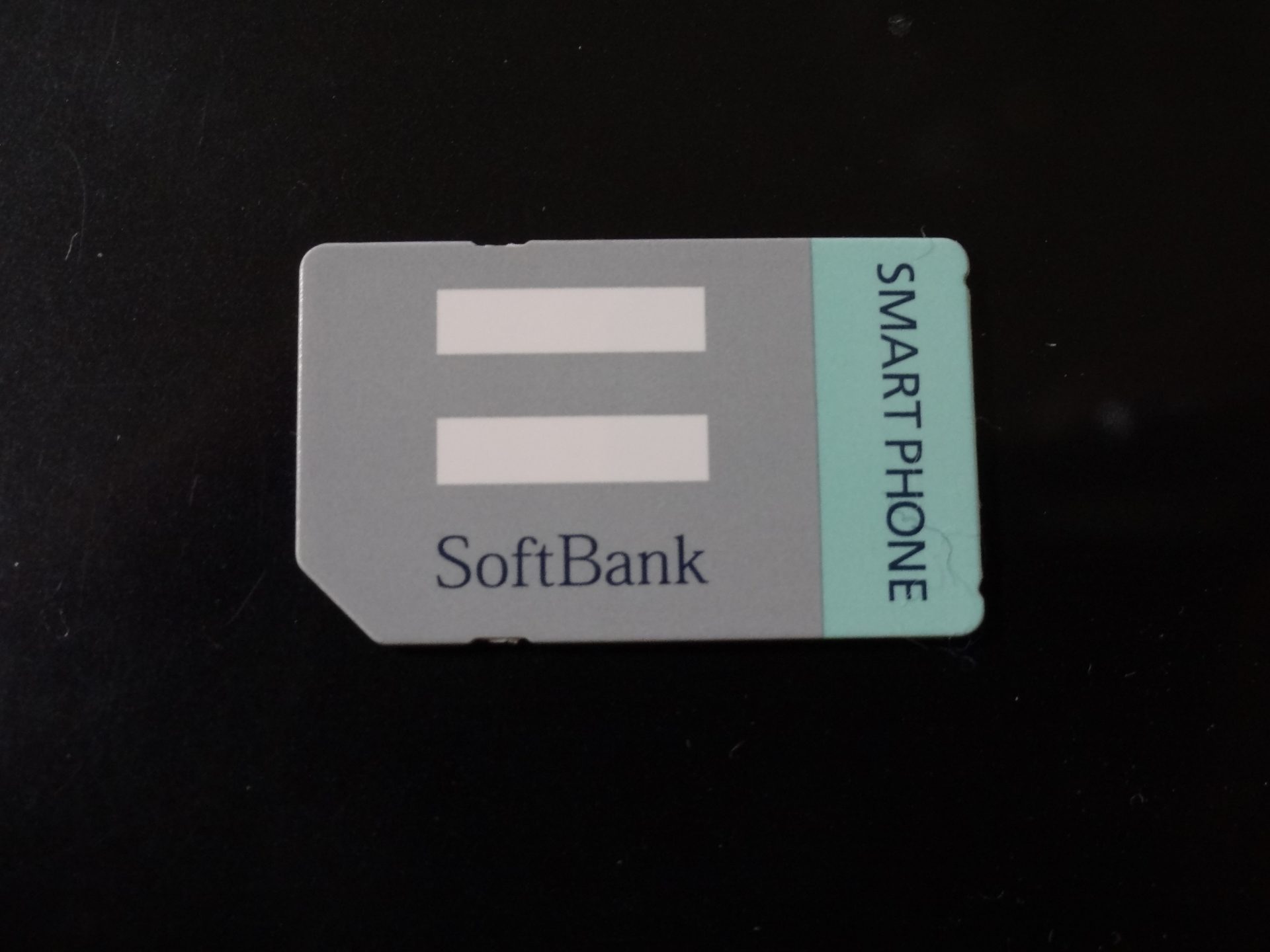
A physical SIM swaps into the tray. It works on older phones or regional Androids that lack eSIM, and visitor prepaid SIMs are sold at electronics stores, airports, and online. Two cautions. First, SIM lock—if your home carrier locked the phone, a Japanese SIM won't work, so unlock before you fly. Second, keep your original SIM safe—it's tiny and easy to lose, and you'll need a SIM pin (or paperclip). Voice plans may require ID (passport); data-only prepaid is usually quick to set up. You can buy at an airport counter or vending machine on arrival, but crowds and stockouts happen, so ordering online for pickup—or just using an eSIM—is more predictable.
Pocket Wi-Fi: best for groups and many devices
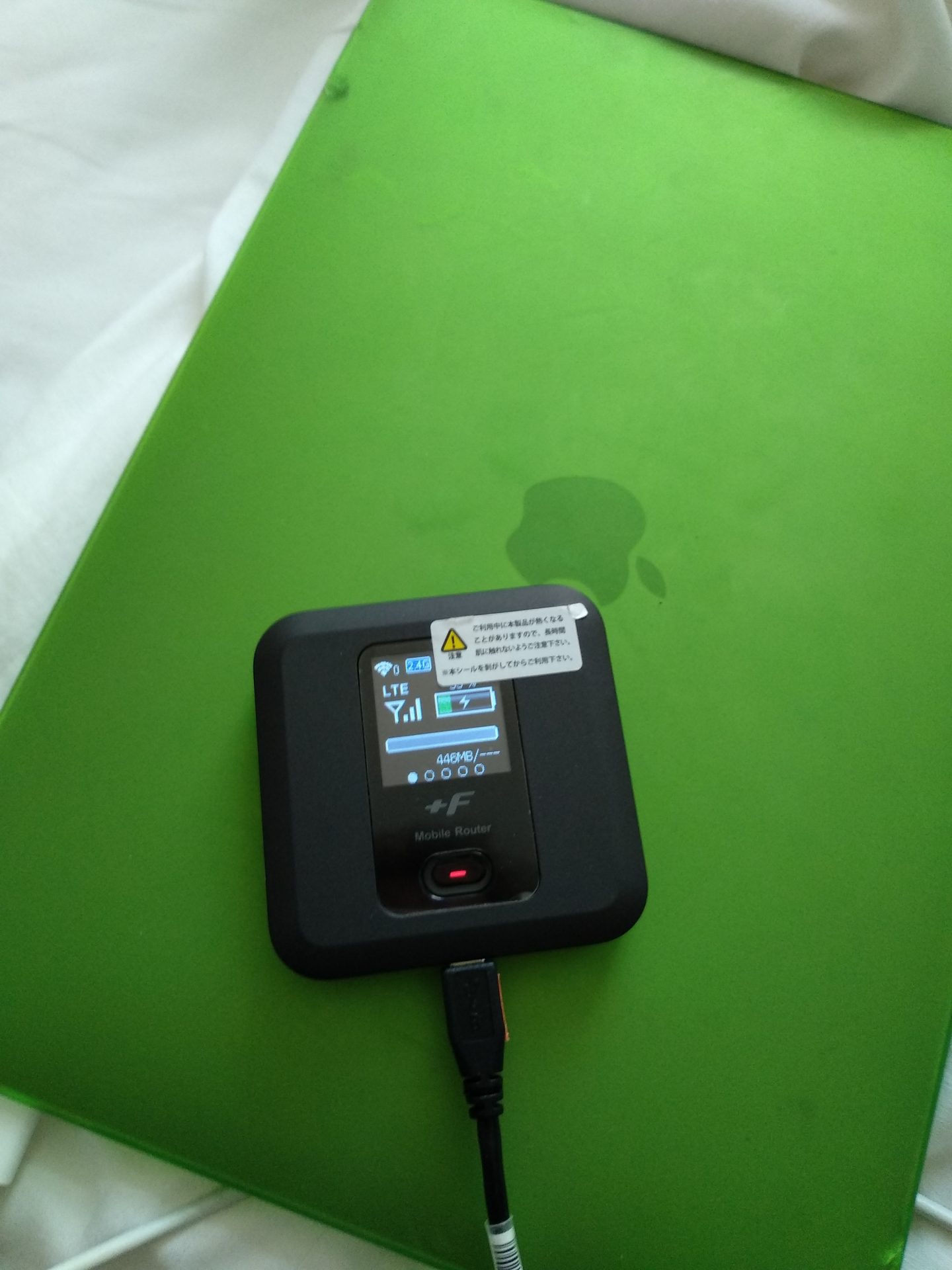
A pocket Wi-Fi (mobile router) connects several devices to one router. It suits families and groups, anyone bringing a laptop or tablet, and people who don't want to swap SIMs. You typically pick up and return at the airport or receive it by mail; plans are often high-cap or unlimited, so heavy map and photo use split across a group tends to be cheap per person. The downsides: it's one more thing to carry and charge. If the router dies, everyone's offline, so a power bank is mandatory. Someone must always carry it—if the group splits up, one side goes dark. Confirm the return deadline, counter hours, and pickup point when you book. For a short solo trip an eSIM is lighter, but for 3–4+ people pocket Wi-Fi often wins on total cost.
Can you get by on free Wi-Fi alone?
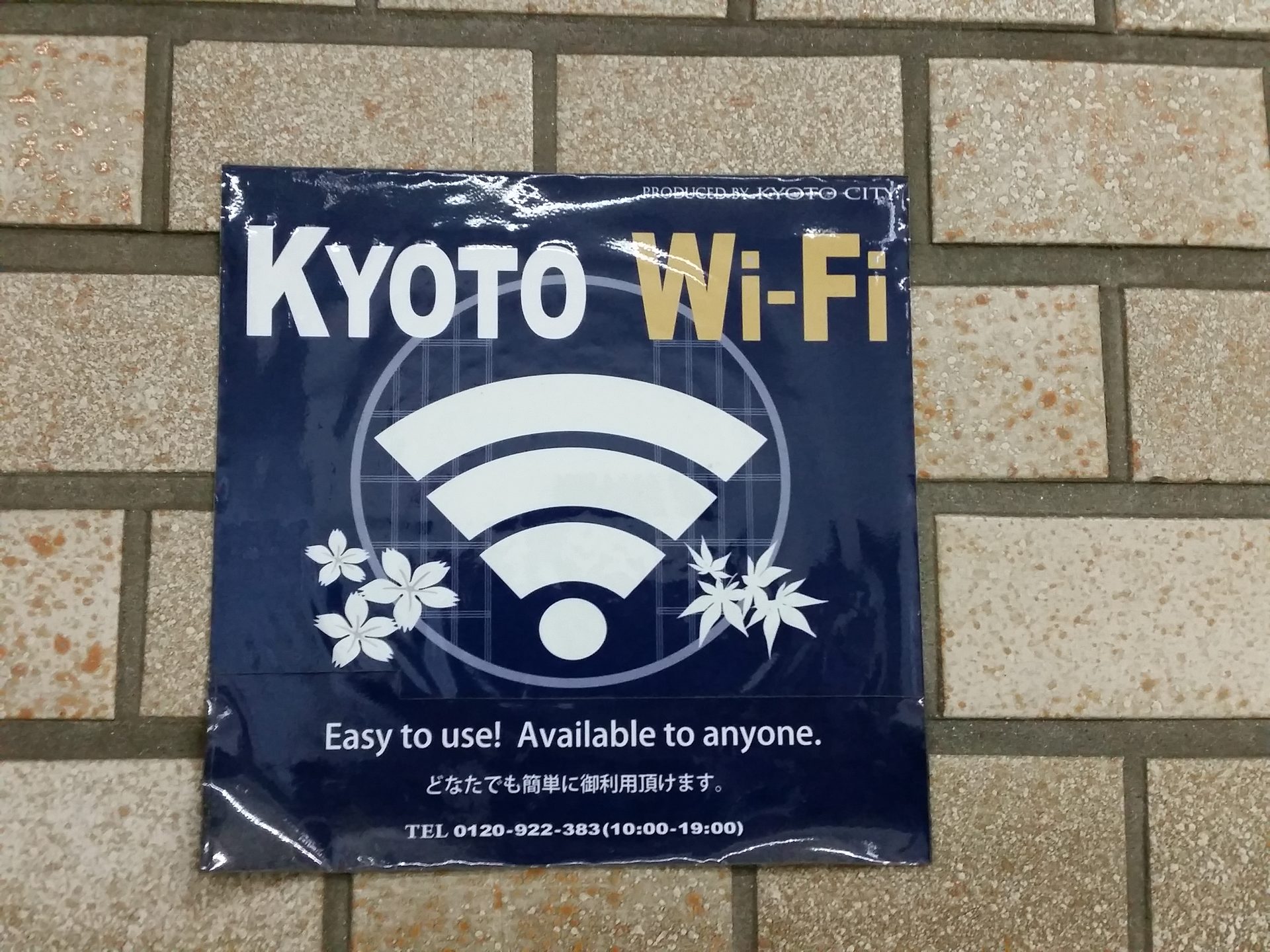
Bottom line: don't make it the backbone of your trip. Japan's free Wi-Fi covers airports, major stations, convenience stores, cafes, and some attractions, buses, and trains—but it isn't blanket coverage. You'll inevitably hit moments where the map won't refresh mid-walk, the signal drops during a transfer, or a spot demands an email login. A visitor Wi-Fi app (register once, auto-connect at partner hotspots) helps as a backup, but relying on it is exactly what fails you when you're lost. Treat free Wi-Fi as a supplement—for big downloads at your hotel or cafe, or to save data—and always carry your own line (eSIM/SIM/pocket Wi-Fi) for walking around. For security, avoid payments and logins on public Wi-Fi, or switch to a trusted connection first.
Recommendations by device and party size
・Solo, short trip on iPhone (XR+): eSIM is fastest—no queue, live the moment you land. ~1GB/day for maps and search; unlimited if you stream or tether a lot. ・Solo on an eSIM-capable Android: eSIM works too, but some regional units disable it—before you fly, confirm Settings offers 'Add eSIM.' ・Older phone without eSIM: physical SIM. Unlock the SIM lock beforehand and pack a SIM pin. ・Family/group (3+), plus laptop or tablet: pocket Wi-Fi. An unlimited plan split across people is cheap and everyone shares the map. Bring a power bank. ・Group that often splits up: individual eSIMs are safer (one router leaves the other side offline). ・Work calls or big uploads: unlimited eSIM or pocket Wi-Fi; the router if you want steadiest speed. In every case, if you'll use services needing SMS codes (banking apps, etc.), keep your home SIM/eSIM set to 'data off, SMS on,' or consider a plan that includes a number.
Setup and day-of tips
For eSIM, install it while you still have solid internet and only activate the line after you land (scanning the QR needs a working connection, so starting from zero on the plane or on-site can trap you). On arrival, switch your data line to the visitor eSIM in Settings and turn on data roaming. Physical SIMs sometimes don't auto-configure the APN, so note how to enter it manually from the provider's instructions. For pocket Wi-Fi, record the SSID and password at pickup and confirm one device connects before you leave the counter. Universally: (1) kill your home carrier's pricey international roaming (roam only on the visitor line; set the home SIM to data off), (2) carry a power bank since battery drain rises, and (3) download offline maps before arrival so you won't get lost pre-activation or in weak-signal spots. If your pocket Wi-Fi needs returning, check the deadline and method (e.g. drop in an airport post box) the day before so the last day isn't a scramble.
Tips
- Install the eSIM before you arrive; activate on the ground. Scanning the QR needs existing internet.
- Turn off your home carrier's international roaming; enable data roaming only on the visitor line.
- ~1GB/day covers maps and search; go unlimited if you stream or tether heavily.
- For 3–4+ people or a laptop, pocket Wi-Fi wins on total cost—but pack a power bank.
- Pre-download offline maps. Don't lead with free Wi-Fi—carry your own line for walking around.